Colour
Fresh & clean. A light base, graphite for strength, lime as the signature, and a few fresh accents.
Palette
Six colours. One star.
Balance
Mostly white. Flashes of lime.
The light background dominates. Lime pulls the eye to a few key moments. It is a signature, not an automatic fill for every component.
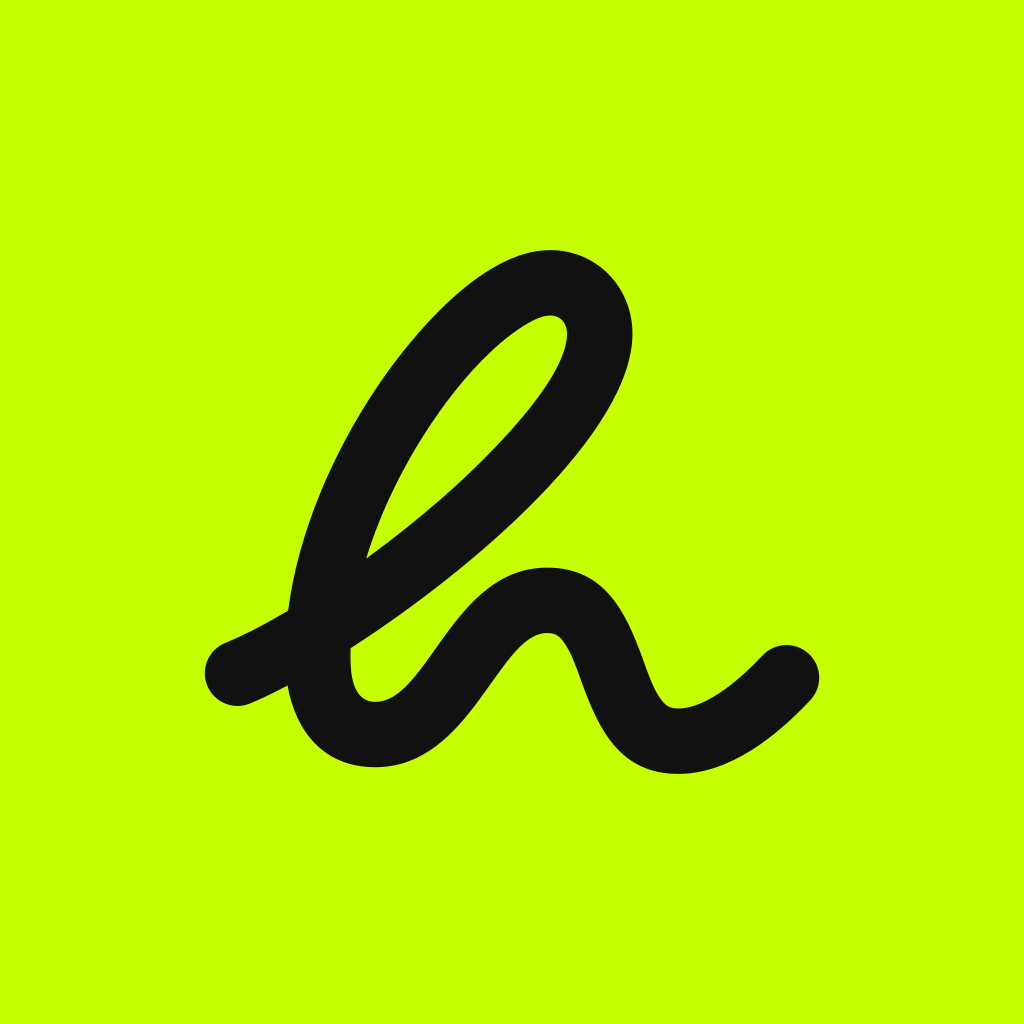
The app icon is the one place lime gets to be loud: a graphite h on a lime square. Inside the app, screens stay mostly off-white.
Tuesday
Your couch can wait.
This week
12.4 km
Contrast
Readable, always.
Still counts.
Graphite on Off-white
17.7 · AAAStill counts.
Graphite on Lime
15.9 · AAAStill counts.
Lime on Graphite
15.9 · AAAStill counts.
Off-white on Graphite
17.7 · AAAStill counts.
Graphite on Soft lime
17.5 · AAAStill counts.
Graphite on Sky
12.5 · AAAStill counts.
Lime on Off-white
1.1 · FailStill counts.
Sky on Off-white
1.4 · FailPlot twist. You actually like running now.

Everything is lime
so nothing stands out